Most schools in Nepal already use software somewhere: a spreadsheet for fees, a separate program for results, a messaging app for parents. A school ERP brings all of that into one connected system, so information entered once is correct everywhere.
What “ERP” means for a school
ERP stands for Enterprise Resource Planning. In a business it connects sales, stock and accounts. In a school, it connects the work of every office and classroom:
- Students: admissions, profiles, guardian details, documents, class promotion.
- Academics: classes, sections, subjects, timetables and syllabus progress.
- Exams: routines, mark entry, result calculation and marksheets.
- Fees and accounts: fee structures, receipts, dues, payroll and financial reports.
- Attendance: from biometric devices at the gate or the teacher's phone.
- Communication: SMS, email and app notifications to parents and staff.
The point is not the number of modules. It is that they share one database. When a student is promoted, the fee structure, subject list and class routine all follow automatically.
Who uses it, and how
A school ERP is only useful if every group actually uses it, so a good one gives each person a screen made for their job:
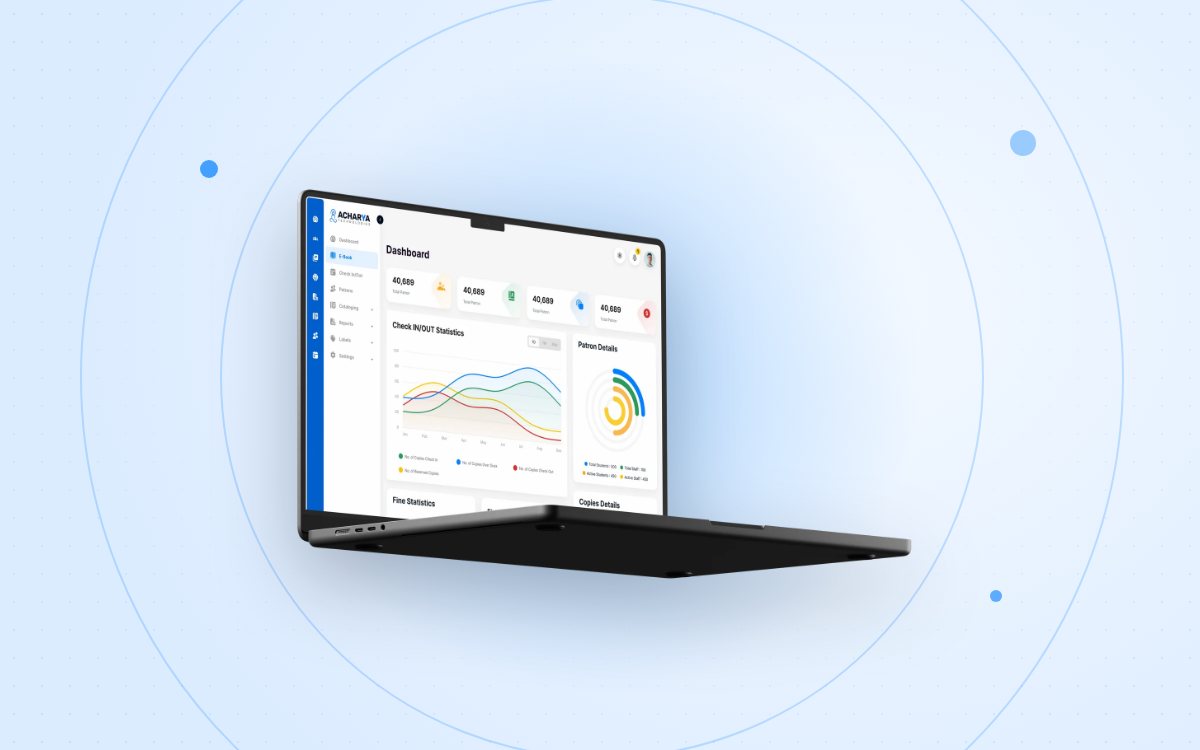
- Principals and management see a dashboard of enrolment, attendance and fee collection without asking anyone for a report.
- Accounts staff collect fees, print receipts and see who owes what.
- Teachers mark attendance and enter marks from a mobile app, usually in less time than a paper register.
- Parents and students check attendance, results, homework and fee dues on their phones.
Signs your school is ready
You do not need to be a large school to benefit. These are the usual signals:
- Result preparation takes days of manual calculation and checking.
- Parents call the office for information that already exists somewhere.
- Nobody can say exactly how much fee is outstanding today.
- The same student details are typed into three different places.
- Reports for the board or inspections mean late nights for the office team.
What to look for when choosing one
Features lists all look similar, so ask questions that reveal how the system fits your school:
- Local fit: does it follow the NEB letter grading system and CDC formats, and support the Nepali academic calendar?
- Mobile apps: are there real apps for teachers and parents, not just a website that shrinks on a phone?
- Offline resilience: what happens to attendance when the internet drops?
- Access control: can you decide exactly what each role can see and change?
- Data migration and training: will the vendor move your existing records and train your staff?
- Support: is help available locally, in person, when you need it?
A school ERP should adapt to how your school works. If you have to change your fee structure or grading formula to fit the software, keep looking.
How quickly can a school get started?
Getting the system online is quick: a hosted school ERP like AEIMS can be live, with your admin login ready, within 2–3 hours. The real work is shaping it around your school: configuring classes, fees and exams, moving existing records and training staff. That usually takes one to two weeks, and the school can start using the system while it happens. Moving from another system or spreadsheets is quickest; paper registers take a little longer. Running the old and new systems side by side for a short period makes the switch safe.
The bottom line
A school ERP replaces scattered registers and spreadsheets with one reliable source of truth. Done well, it gives teachers more time to teach, gives management real numbers, and keeps parents informed without extra work for the office.
If you would like to see how AEIMS handles your school's workflows, book a live demo with our team.